
Your bank alerts, made clear.
Bayna turns bank SMS and notifications into a private spending timeline, budgets, and reviewable insights without asking for your bank login.
- No bank login required
- SMS and notification access are optional
- Manual tracking always works
Android launch is in preparation. iOS is coming soon.
Why it works
Automatic enough to help. Clear enough to trust.
For people who want automatic spending clarity without linking bank accounts, sharing financial credentials, or maintaining a spreadsheet.
Choose your alert sources
Use bank SMS, bank notifications, both, or neither. Bayna explains what each permission enables before automation starts.
Review before you trust
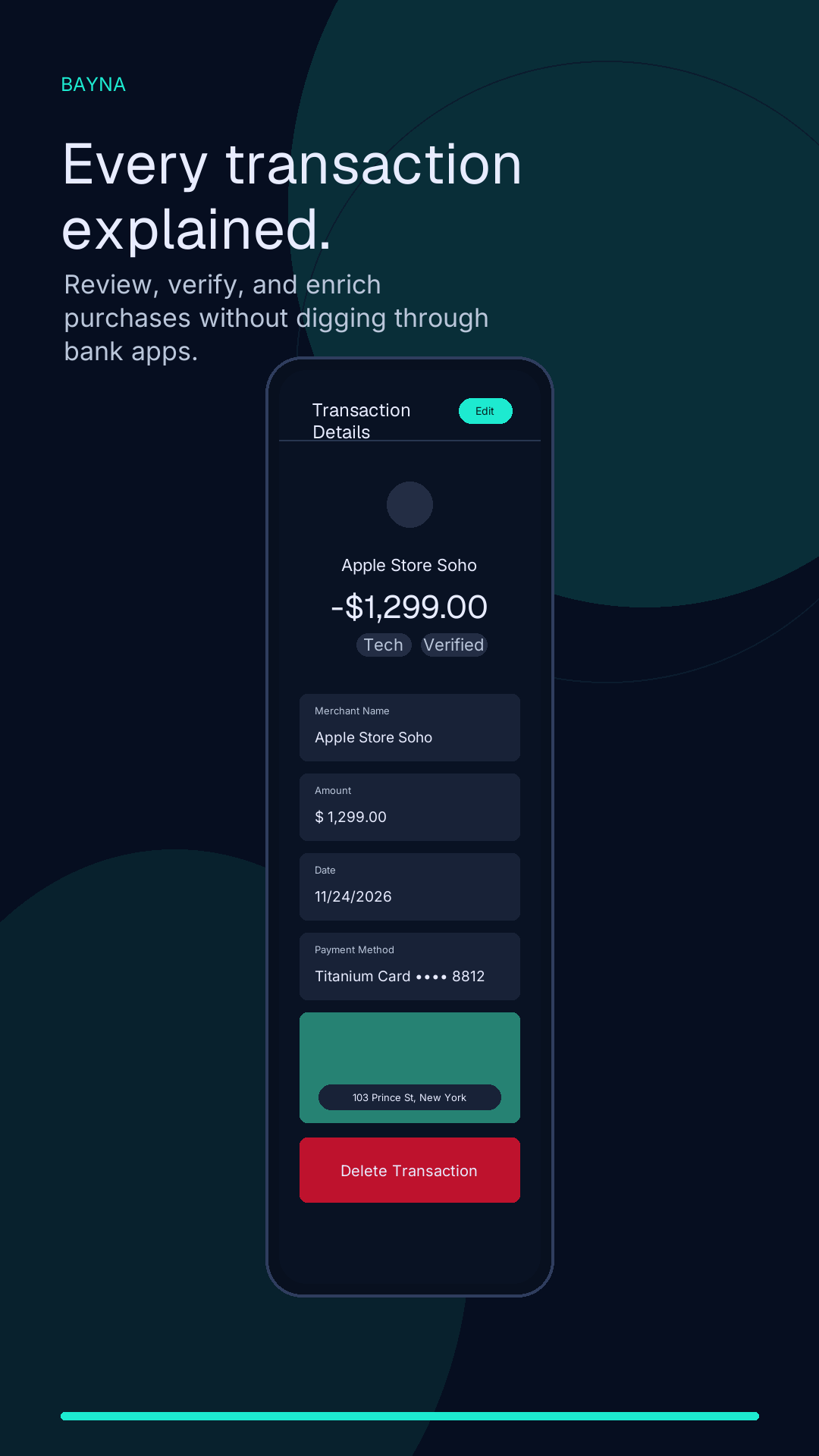
Detected transactions land in a readable timeline so you can inspect, edit, categorize, or delete what Bayna finds.
Budget from real activity
Category budgets help you understand monthly spending without forcing a strict budgeting method.
Keep a private backup
Google Drive backup uses private app data so backup files stay hidden from My Drive and are not stored on Bayna servers.
How Bayna works
From bank alert to reviewed spending.
Bayna starts with the alerts already on your device, then keeps the review loop visible so automation never feels like a black box.
- 1
Start with permissions you choose
Bayna can work manually, from SMS alerts, from bank notifications, or from both sources when you enable them.
- 2
Turn alerts into a timeline
Transaction details are extracted into display-safe records with amount, date, source, category, and review context.
- 3
Edit what needs context
Correct merchants, categories, notes, and budgets without losing the source labels that explain where a transaction came from.
- 4
Back up when you are ready
Optional Google Drive backup helps with device changes while keeping backup files in private app data.
Product story
A calmer way to review spending.
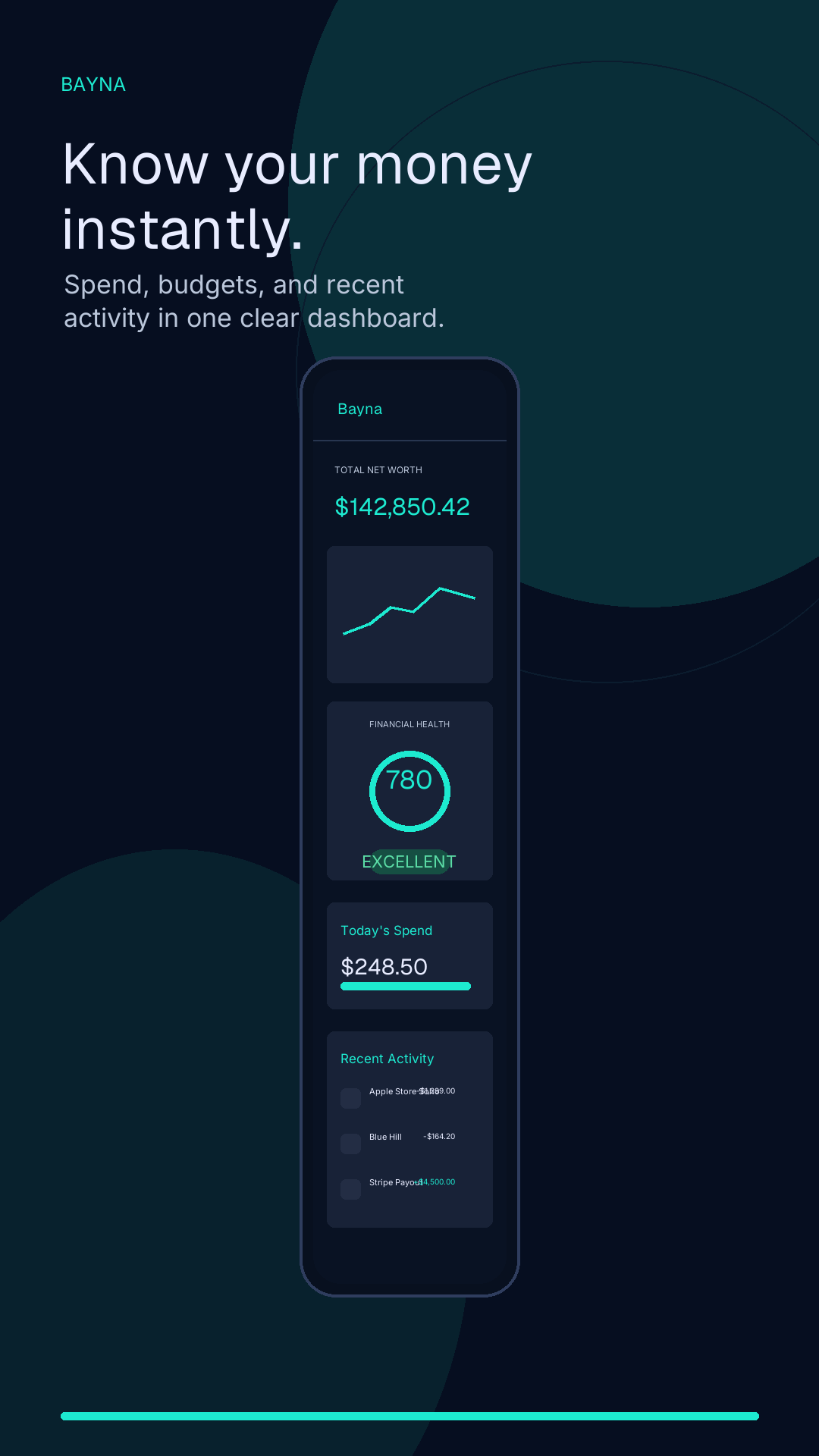
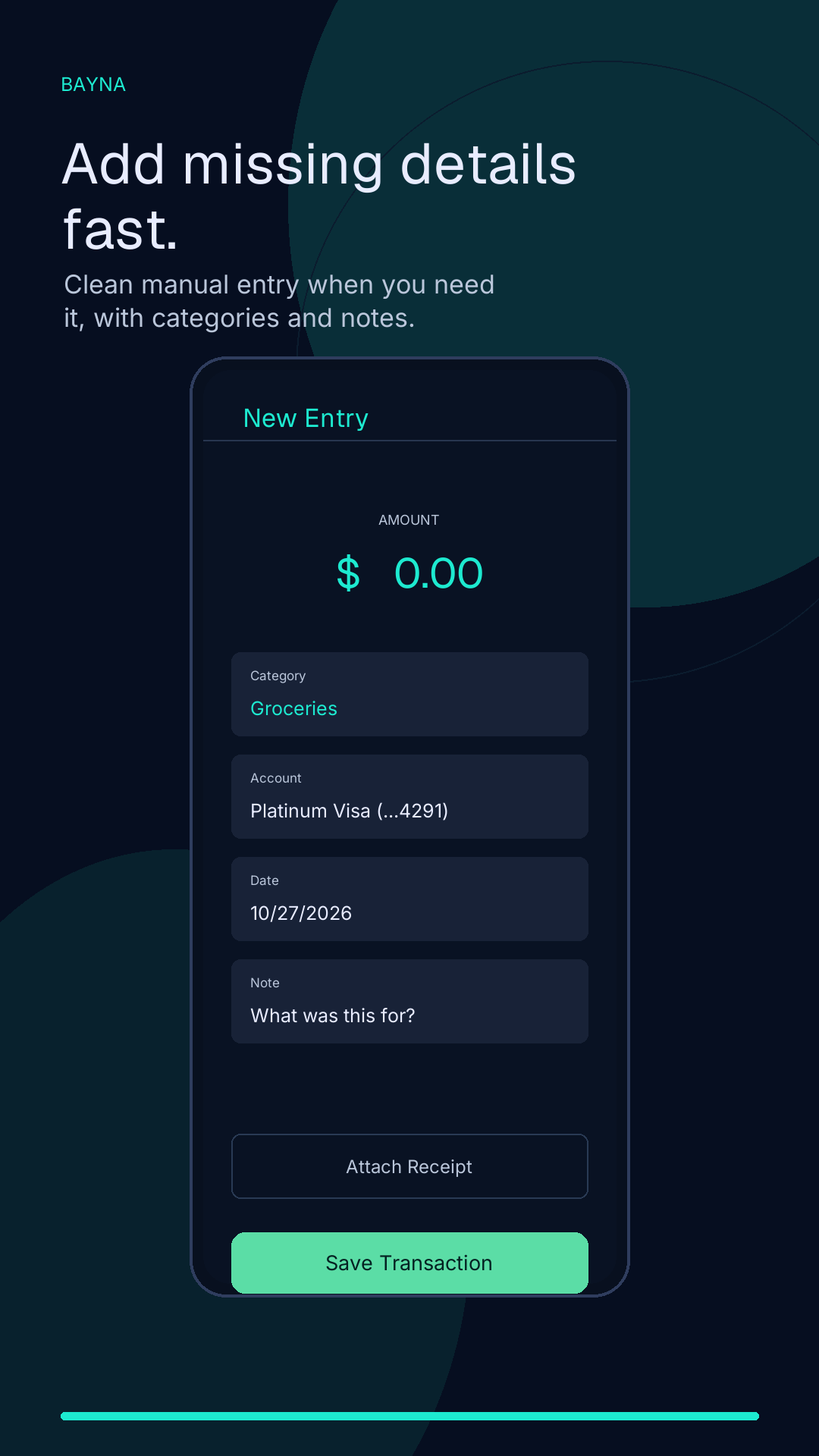
The launch screenshot sequence should reinforce the same promise as the website: no bank login, clear spending, manual fallback, and reviewable transactions.
Trust and privacy
Clear data boundaries before you connect anything.
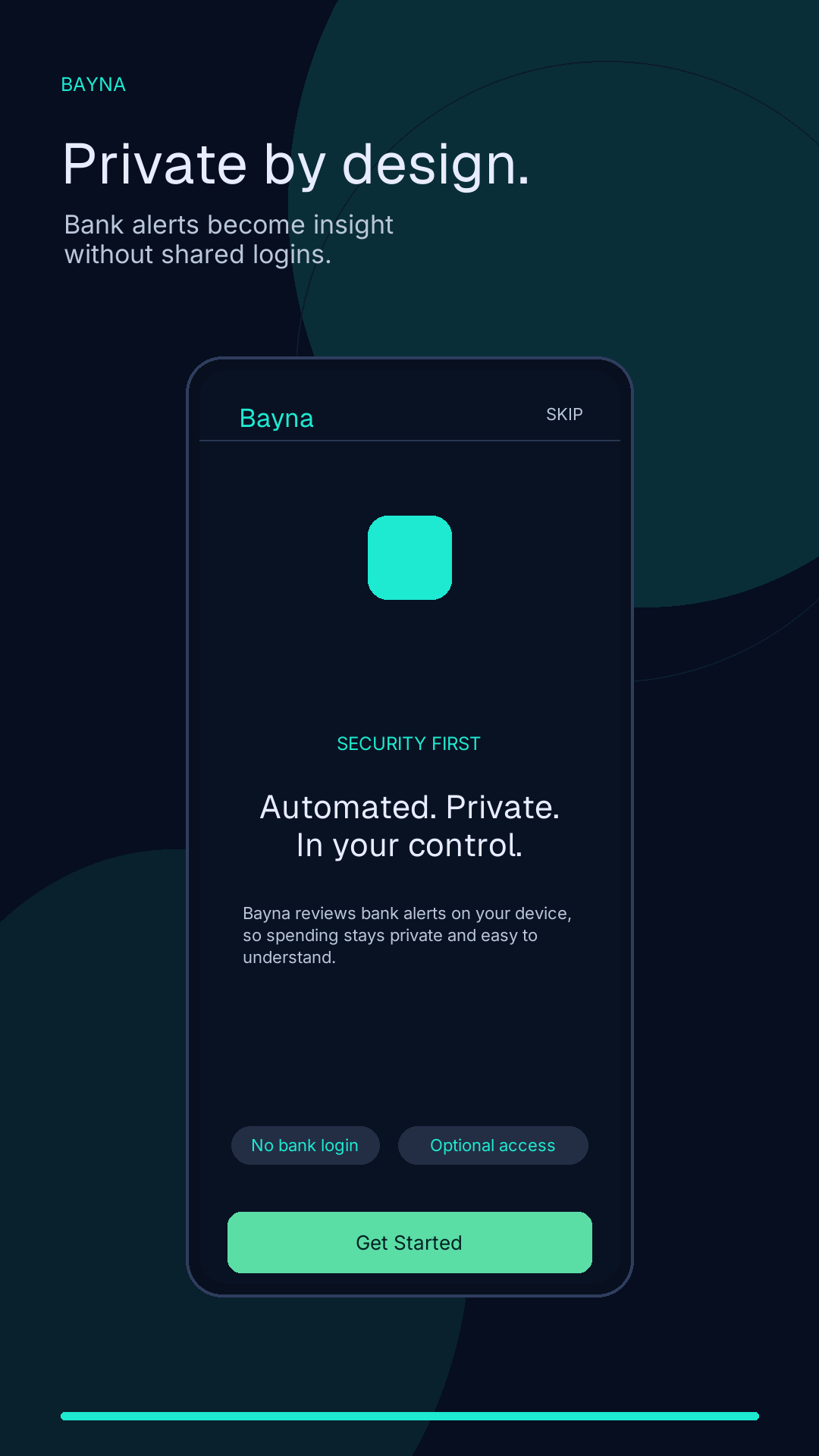
Bayna is built around explicit permissions, local-first review, display-safe transaction records, and private Google Drive app-data backup.
No bank credentials
Bayna is not an account aggregator and does not ask you to connect bank accounts or share banking passwords.
Optional automation
SMS tracking, notification tracking, and local transaction alerts are separate choices that can be skipped.
Display-safe records
Bayna stores transaction records and source metadata for review; raw message text should not be used as public-facing transaction content.
No lending or wallet flow
Bayna helps organize spending information. It does not move money, issue cards, offer loans, or provide investment advice.
Help and control
Privacy answers should be easy to find.
These pages explain how Bayna handles data, how to get help, and how to remove information when you need to.
Privacy policy
See what Bayna accesses, why it is used, and which launch decisions still require verification.
Open page
Delete data
Learn how to delete local data, request support-record deletion, and remove Drive backups.
Open page
Support
Get help with permissions, backup, restore, incorrect transactions, and availability.
Open page
Questions
Before you start
Does Bayna require bank login?
No. Bayna is designed around bank alerts already on your device, not bank account linking or shared financial credentials.
Can I use Bayna without SMS or notification access?
Yes. Manual tracking remains available when automation is skipped or turned off.
Where are backups stored?
Optional backups use private Google Drive app data for the Google account you choose. They are hidden from My Drive and are not stored on Bayna servers.
Is Bayna a bank, wallet, or financial advisor?
No. Bayna helps organize transaction information for personal review. It does not move money, lend, invest, provide tax advice, or replace bank statements.
Android first
Private spending clarity is coming to Google Play.
Bayna is preparing for Android launch with iOS planned later. Follow the store listing when it becomes available and review the privacy pages before enabling automation.
Official website: https://usebayna.com/